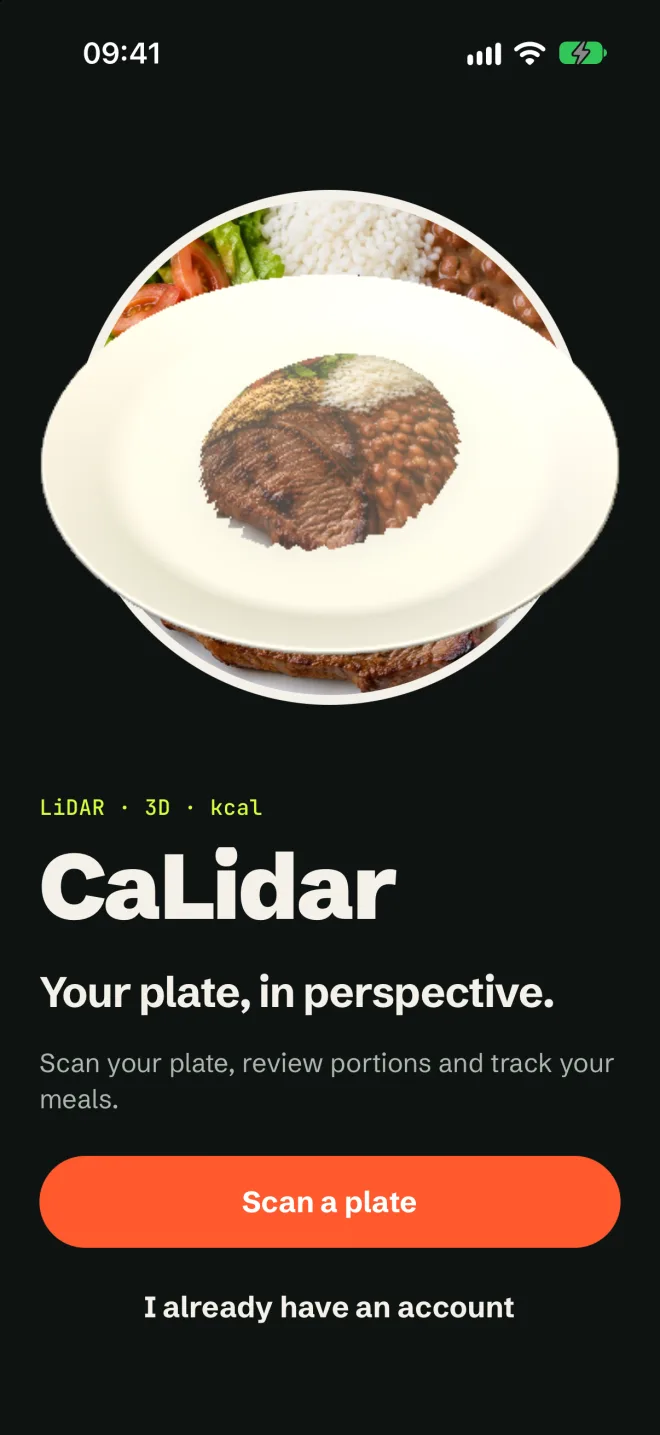
Your plate,
in perspective.
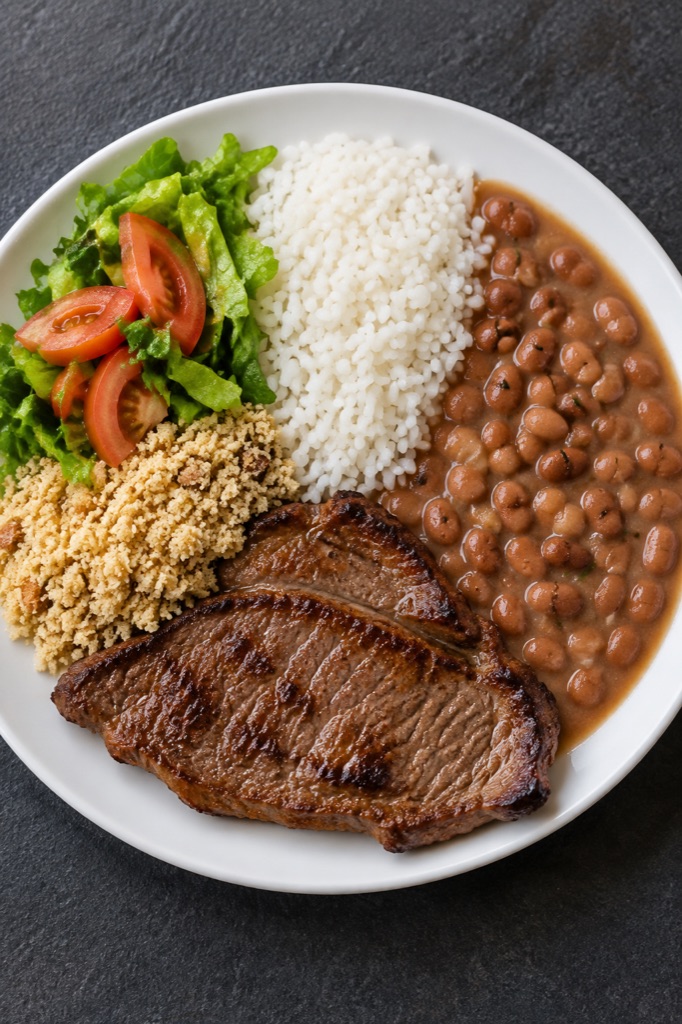
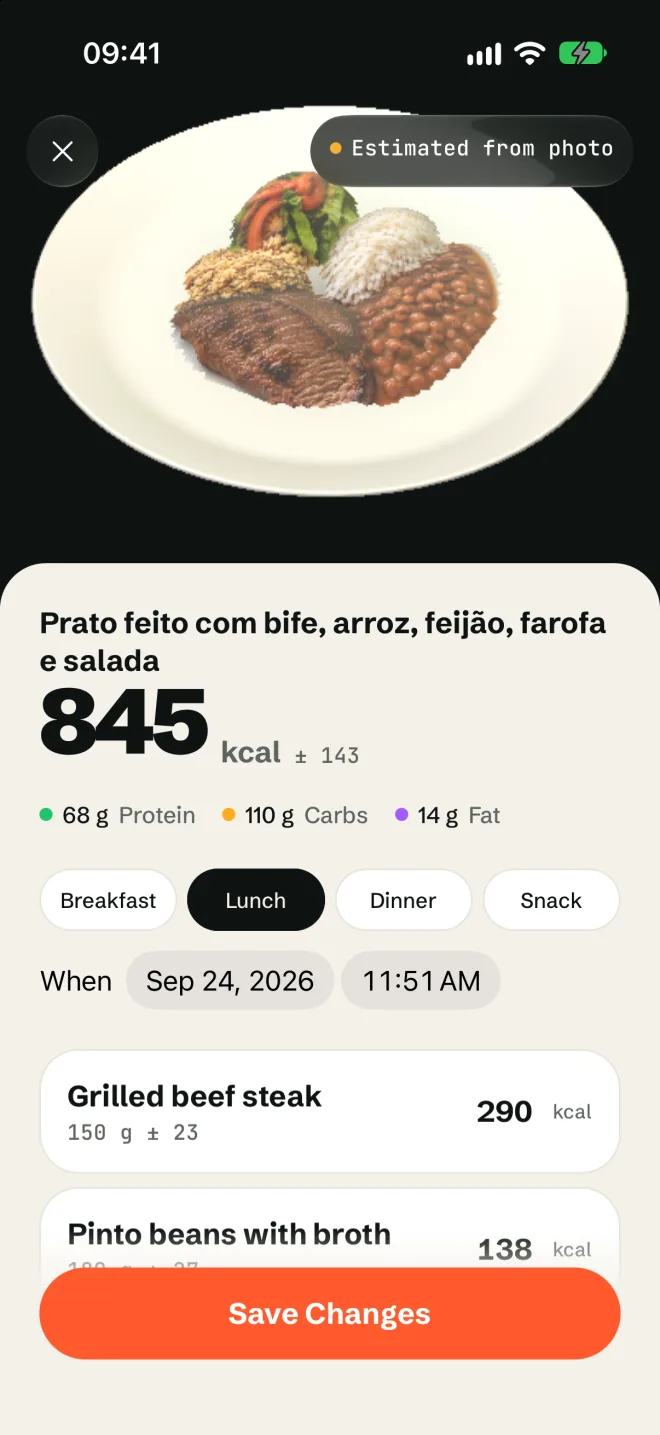
Scan your plate, review the foods and track your meals. CaLidar combines photos, compatible LiDAR and nutrition tables to estimate portions and calories.
iOS. LiDAR gives the 3D measurement; works without it too, with a photo-based estimate.
How it works
Scan
LiDAR helps estimate volume when the plate surface is visible. Containers, poor coverage and devices without LiDAR use photo estimates.
Identify
AI identifies the foods. Add sauces, hidden ingredients and known quantities to complete what the photo shows.
Review
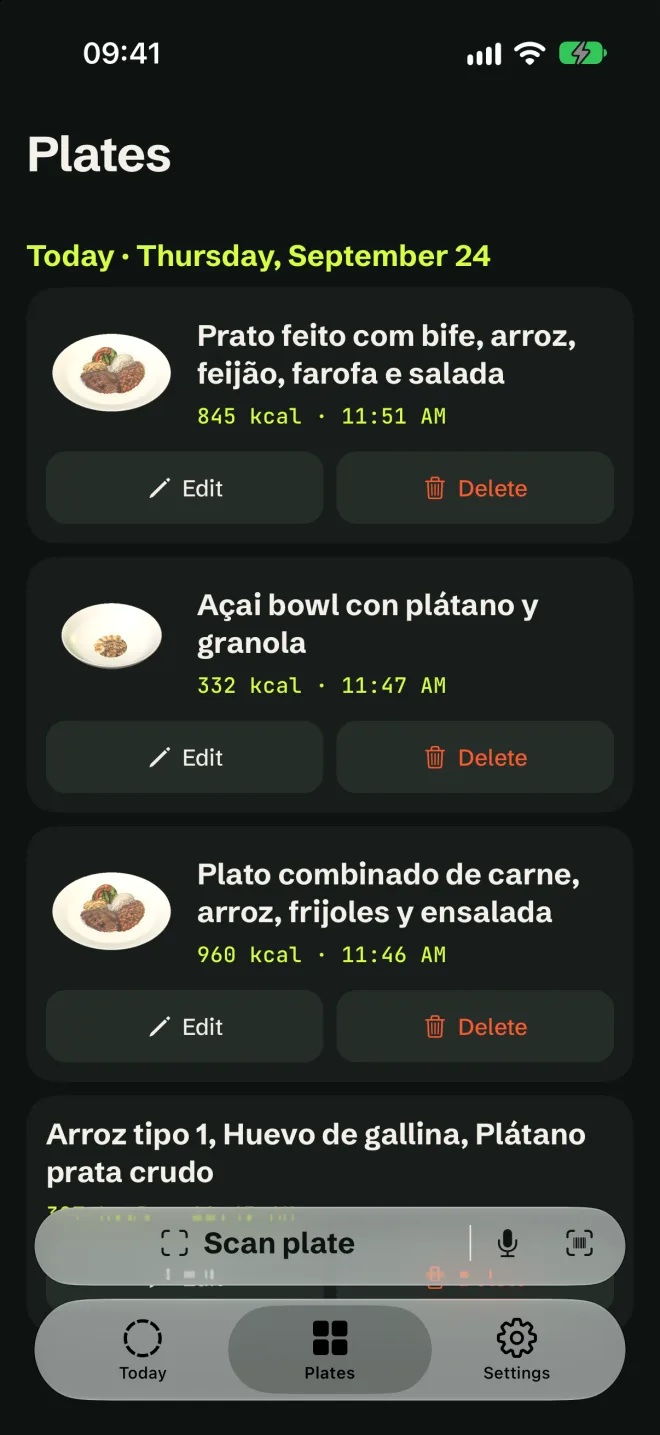
Check ingredients and adjust grams. Edit nutrition values, remove items or search for another food before logging.

Calculate
If the package shows its nutrition facts or says “zero”, the label wins. Otherwise calculations use TACO, IBGE and USDA, and unmatched foods get AI values, marked as estimates.
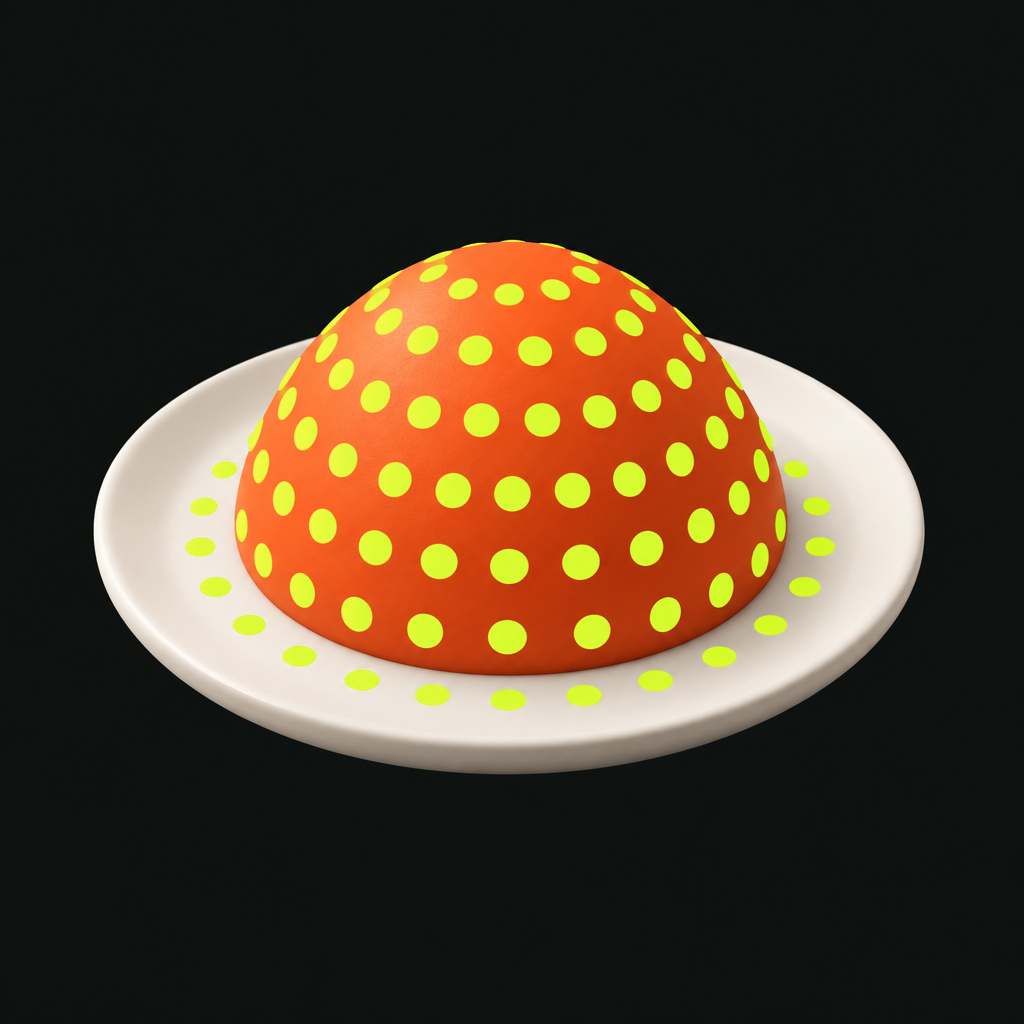
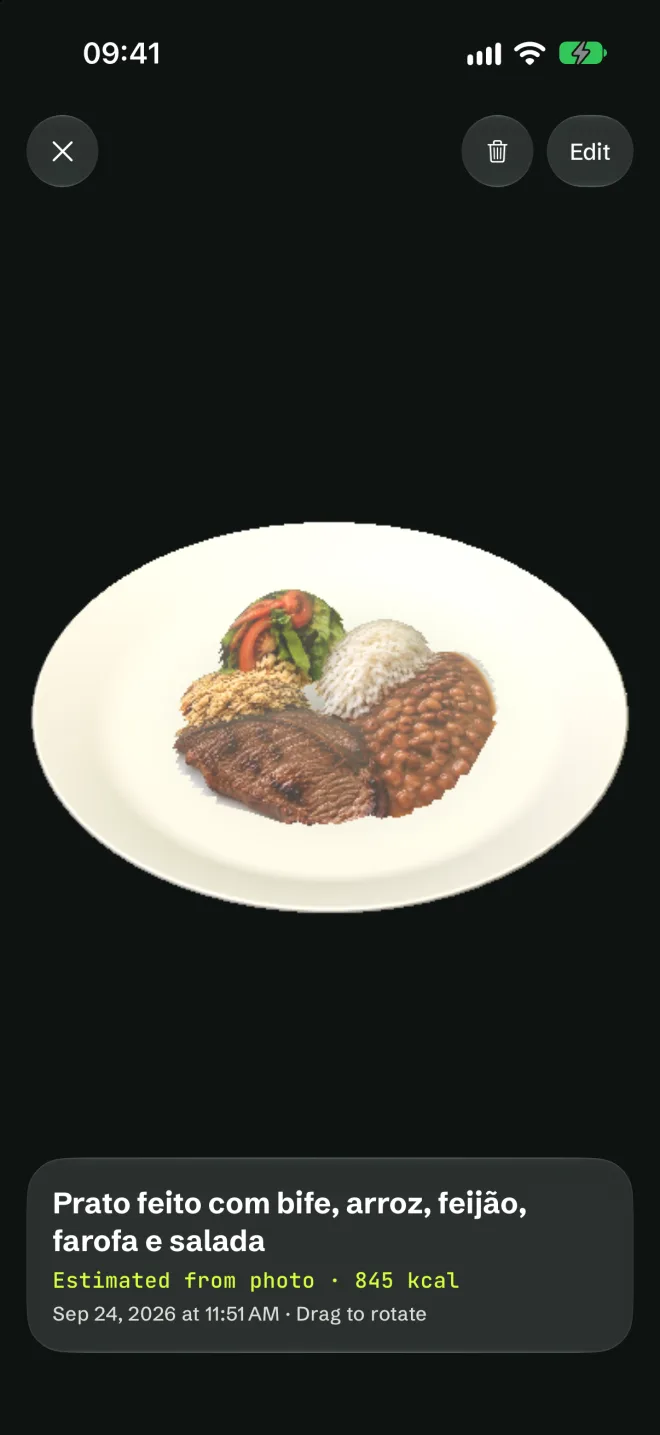
Your photo. Another view in 3D.
The original photo opens your result and stays in your history. Open the 3D model whenever you want another perspective. Its appearance does not confirm ingredients or establish nutritional accuracy.
Honest numbers.
Volume and estimated density help calculate portions. The ± symbol shows approximate uncertainty, not clinically validated accuracy. Review the foods and adjust the grams.
Private and fast.
Read and log meals offline. When connected, history syncs even in guest mode. Apple, Google or email let you recover your account. AI analysis needs internet.
A goal you can adjust.
Choose your weight on the kg/lb ruler and review your daily goal. You can also import a recent weight from Apple Health and confirm before applying it.
Apple Health, with your permission.
Export calories, protein, carbs and fat from a reviewed meal. You control the permissions. Export again after editing; deleting a meal in CaLidar does not remove its Health record.
Pricing
$0
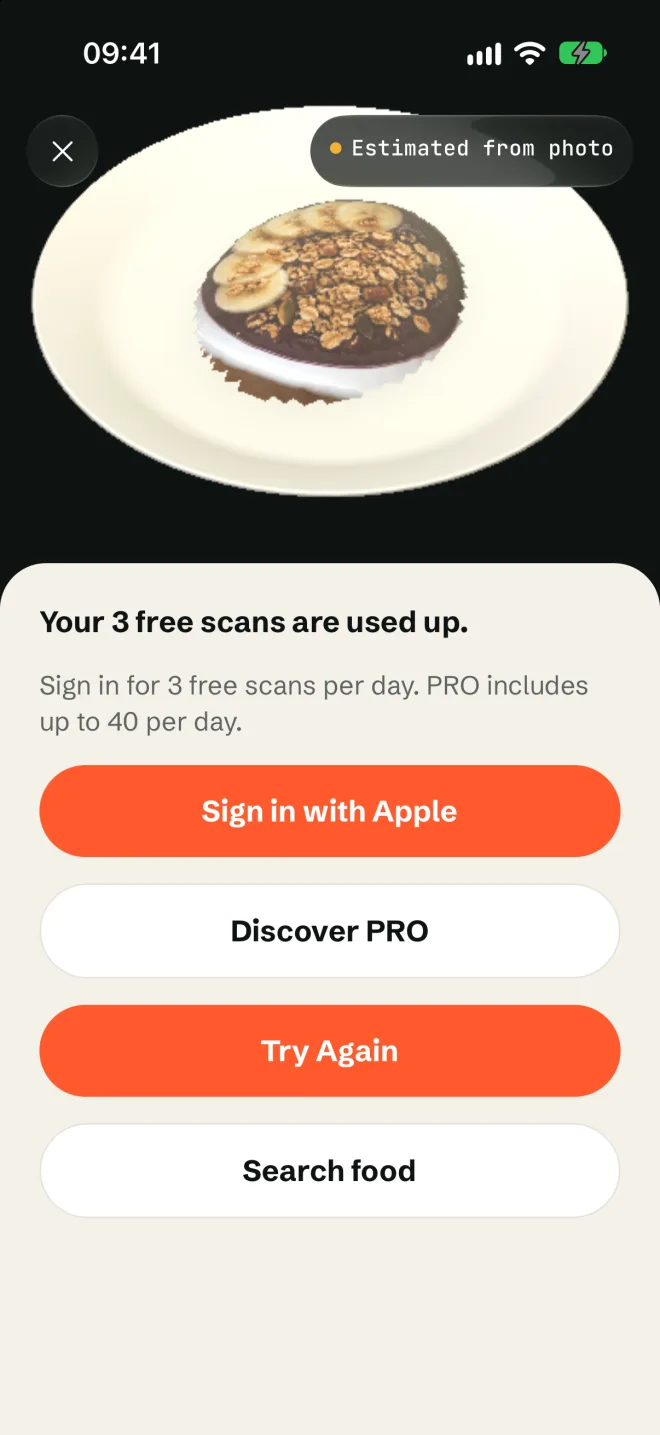
- 3 trial scans; 3 per day with an account
- Unlimited food search
- Unlimited meal logging
US$ 5.99/month
US$ 24.99/year, 7-day trial for eligible customers
- Up to 40 cloud scans per day
- AI analysis and editable portions
- Synced meal history
US prices shown. The App Store displays the price in your local currency; prices vary by region.
Quick questions.
Does it need LiDAR?
No. Without LiDAR, CaLidar estimates the weight from the photo and marks the result as estimated. With LiDAR and a reliable support surface, the app estimates volume in 3D. Otherwise, it uses the photo.
Which iPhones have LiDAR?
Pro and Pro Max models from the iPhone 12 Pro onward.
How accurate is it?
CaLidar shows an approximate uncertainty (±) instead of a fake exact number. It's an estimate for tracking, not a medical device.
Where does the nutrition data come from?
The package label first, when it can be read. Then TACO (NEPA/Unicamp), IBGE POF, USDA FoodData Central and Open Food Facts.
Is my data private?
Yes. We don't sell your data or use your photos or meals for ads.
How do I cancel PRO?
In iPhone Settings › your name › Subscriptions › CaLidar.
How do I delete my account?
In the app, Settings › Delete account, or by emailing luisfelipesena@icloud.com.